TILLORA GUIDE
Barcode POS Systems: How Barcode Scanning Helps at Checkout
What is a barcode POS workflow?
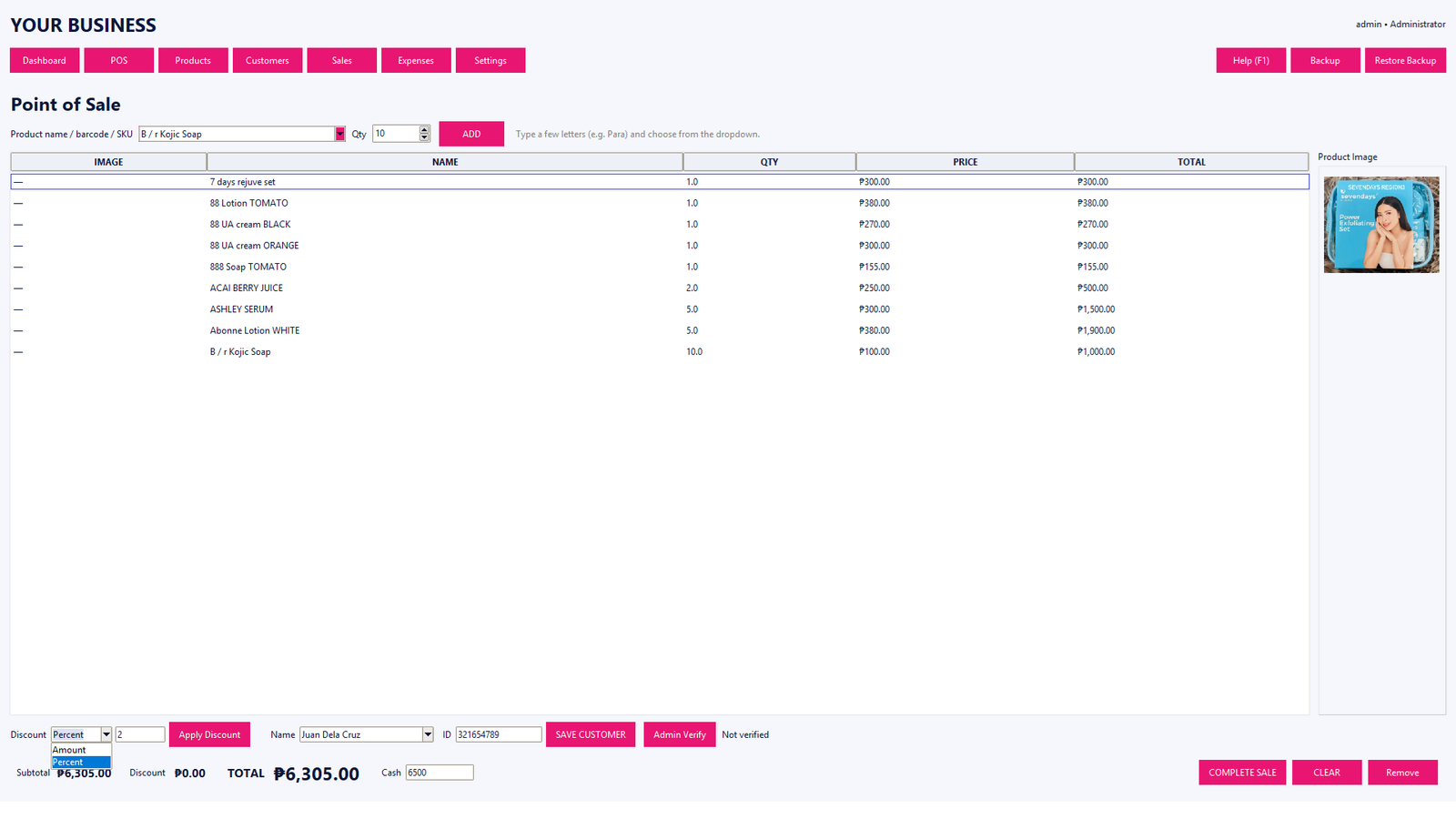
A barcode POS workflow uses a scanner or camera-based input to identify a product from its barcode. The POS then finds the matching product record and adds it to the current transaction.
Why businesses use barcodes
Typing product names repeatedly can be slow and can introduce mistakes. A correctly configured barcode gives the cashier a quick way to locate the intended product. This is especially useful for stores with many products or similar product names.
Barcode and SKU are different
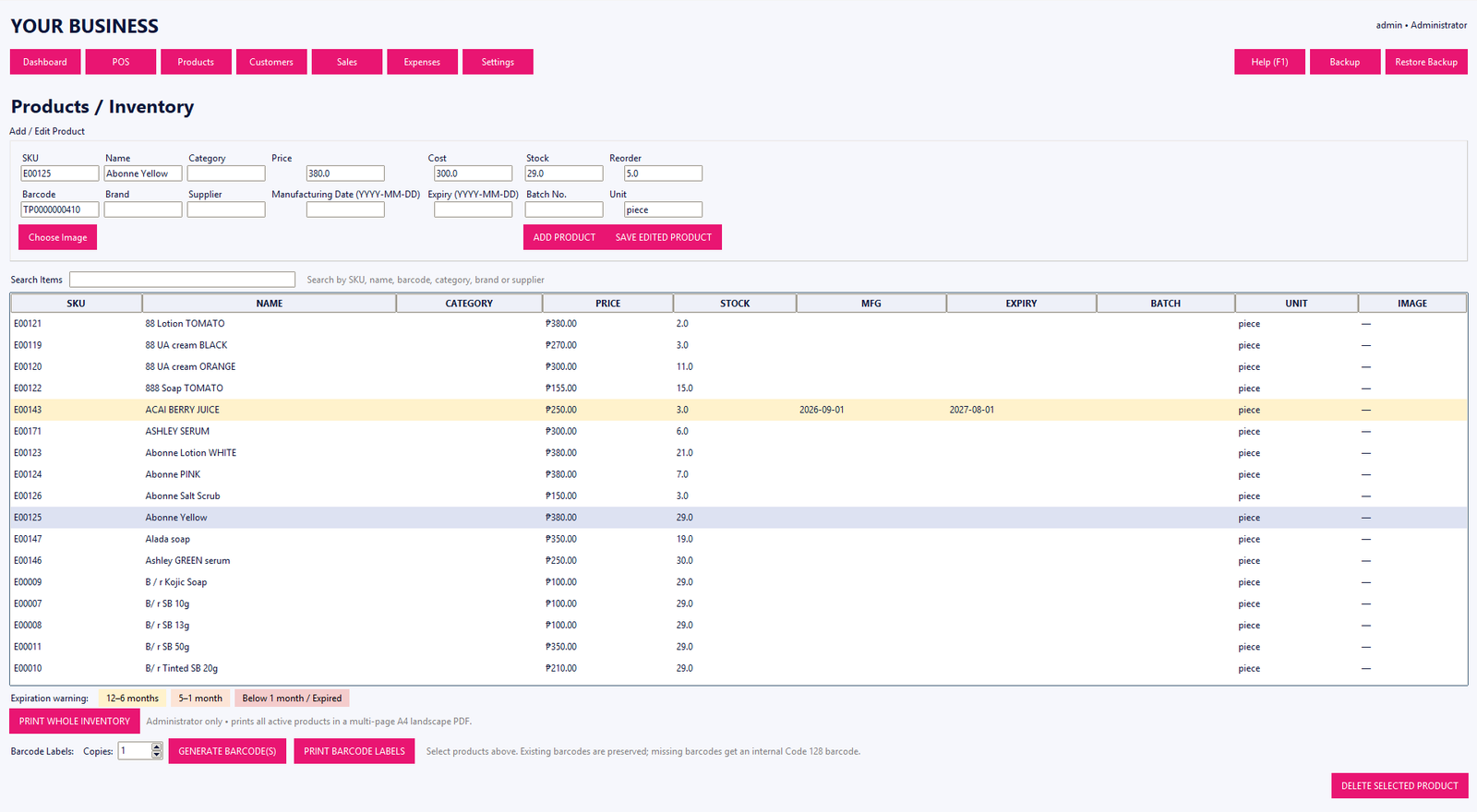
A barcode is the machine-readable identifier printed or attached to an item. An SKU is a business-defined stock-keeping code. A POS can use both: the barcode for scanning and the SKU for internal product organization and search.
Good setup practices
- Keep product names consistent
- Assign unique SKUs where appropriate
- Check barcode values before going live
- Keep selling prices and costs current
- Test a few common products at the checkout station
Tillora POS supports product, SKU and barcode workflows so businesses can choose the lookup method that fits their operation.