POS Guides & Small Business Resources
Practical guides about POS software, inventory, barcode workflows and choosing the right tools for a small business.
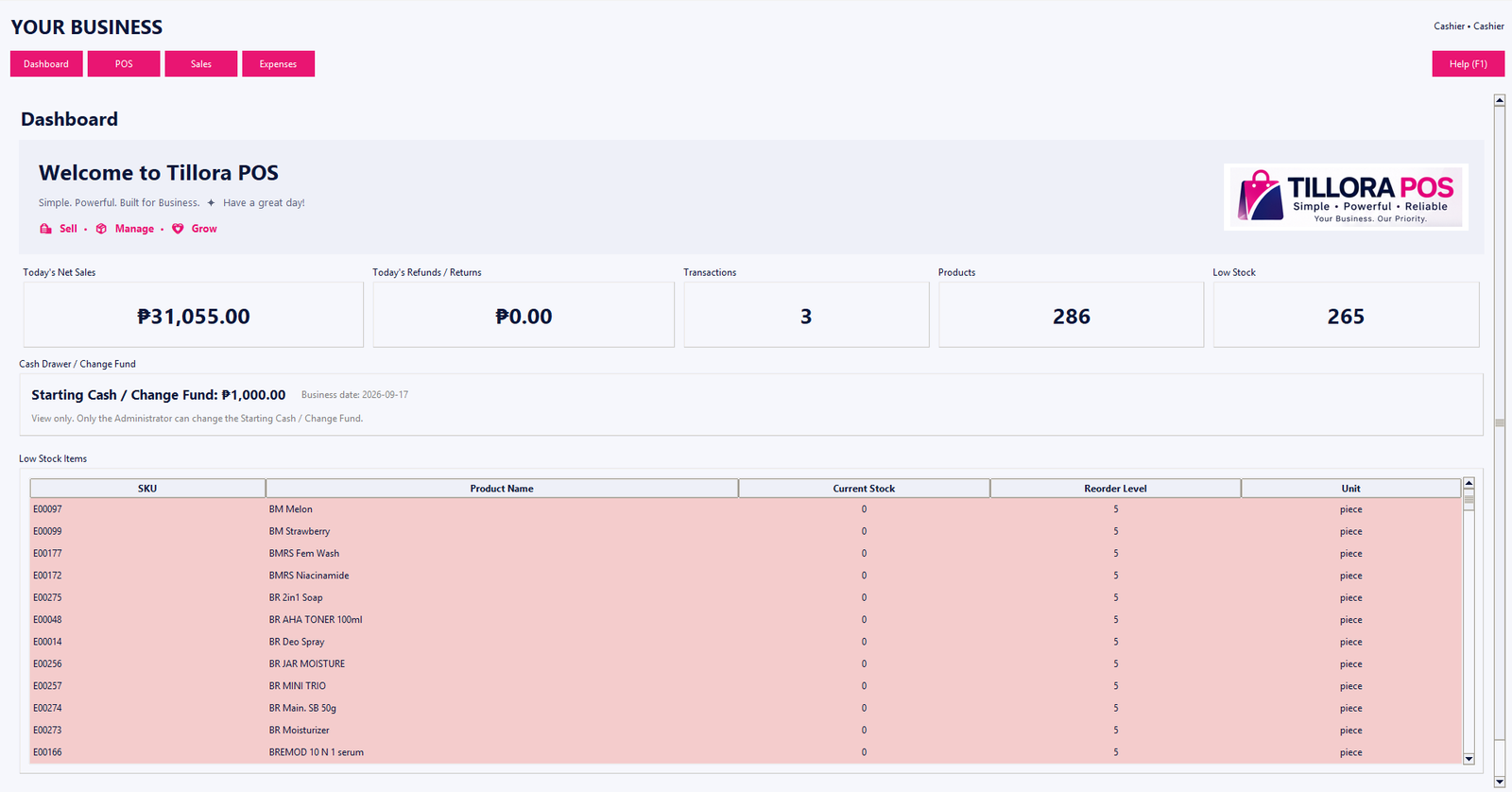
Useful information, not just sales copy.
Explore straightforward resources that explain common POS and inventory concepts and help you evaluate software for your business.
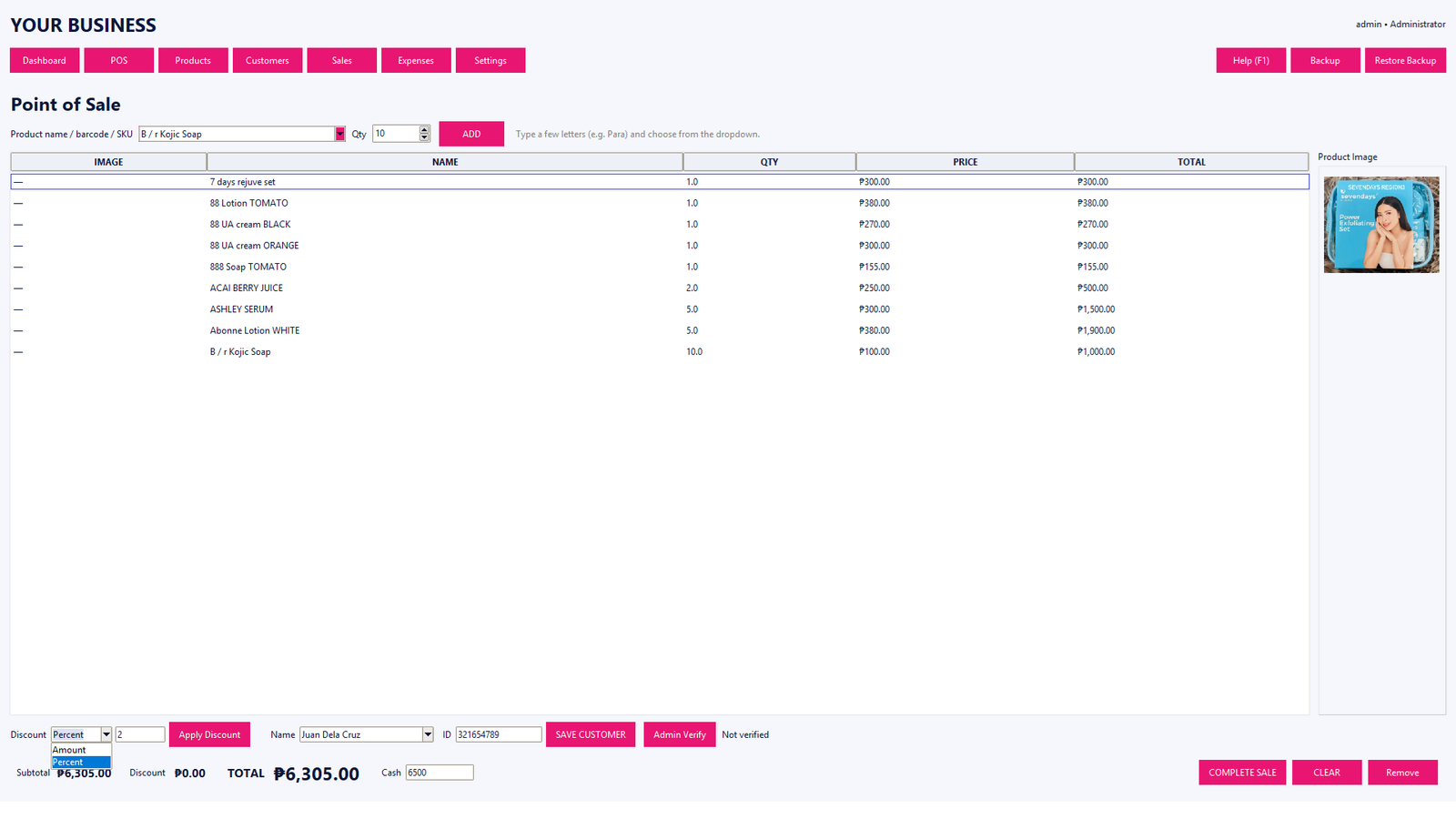
What Is a POS System? A Practical Guide for Small Businesses
Learn what a point-of-sale system does, what features matter, and how a POS can organize everyday sales and inventory.
Read guide →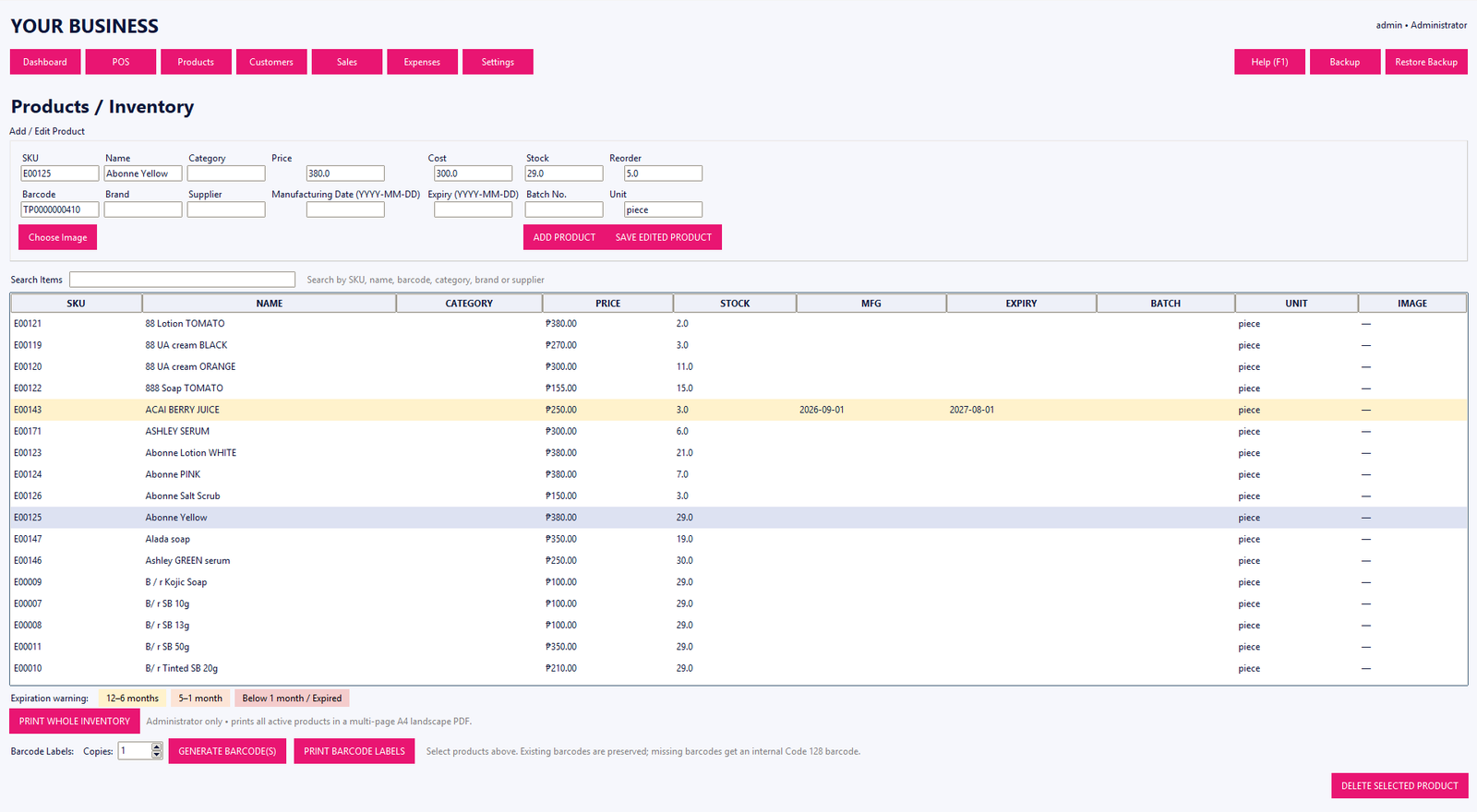
POS and Inventory Management: How They Work Together
Understand how sales records, products, stock levels, costs and reports can work together in a POS system.
Read guide →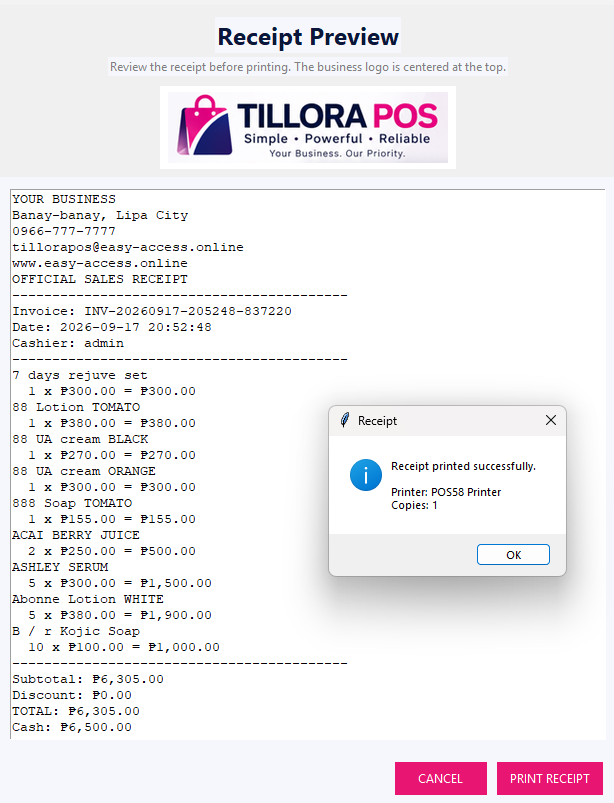
Barcode POS Systems: How Barcode Scanning Helps at Checkout
A straightforward guide to barcode scanning, SKUs and faster product lookup at the point of sale.
Read guide →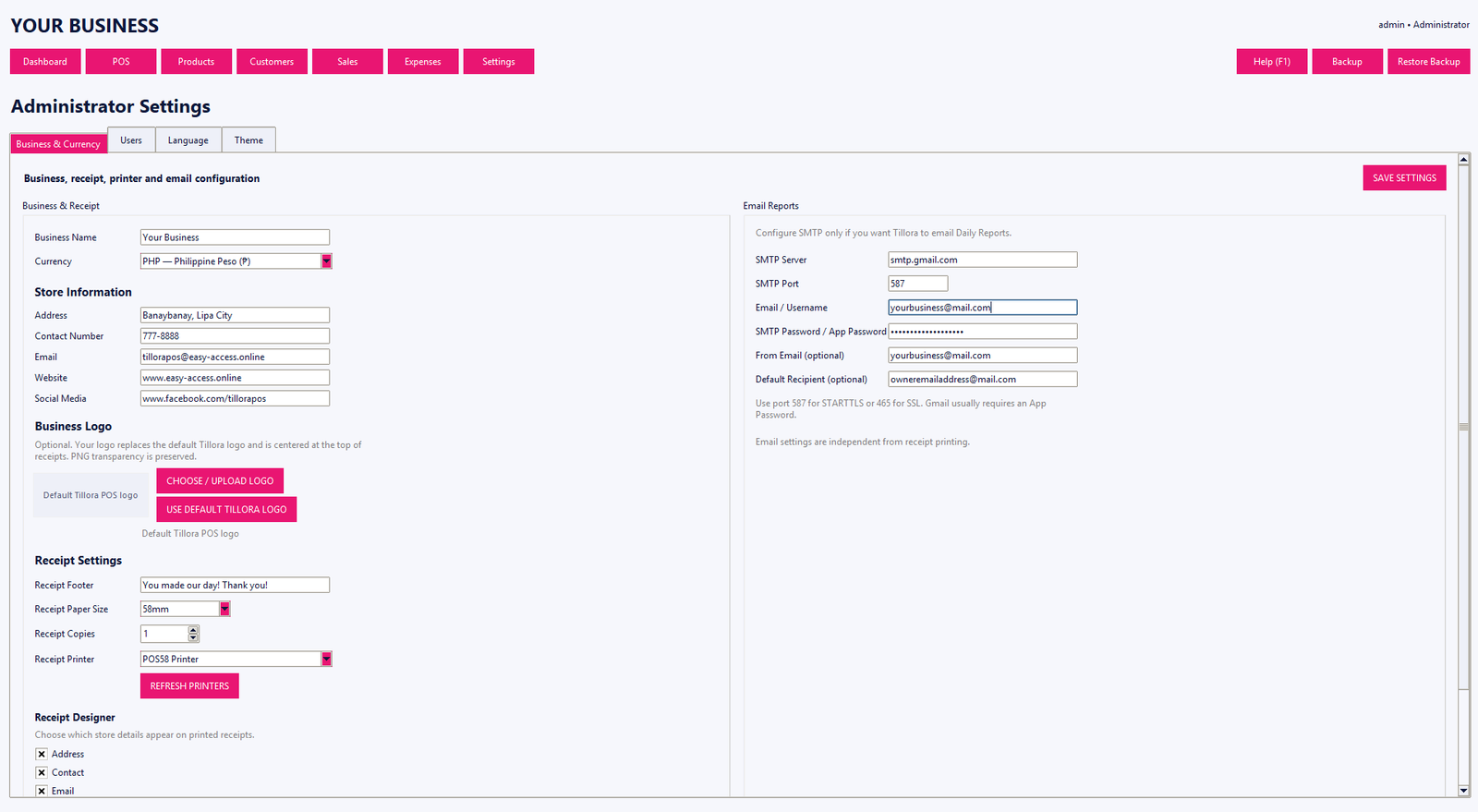
How to Choose POS Software for a Small Business
A practical checklist for comparing POS software based on checkout, inventory, reporting, access control and support needs.
Read guide →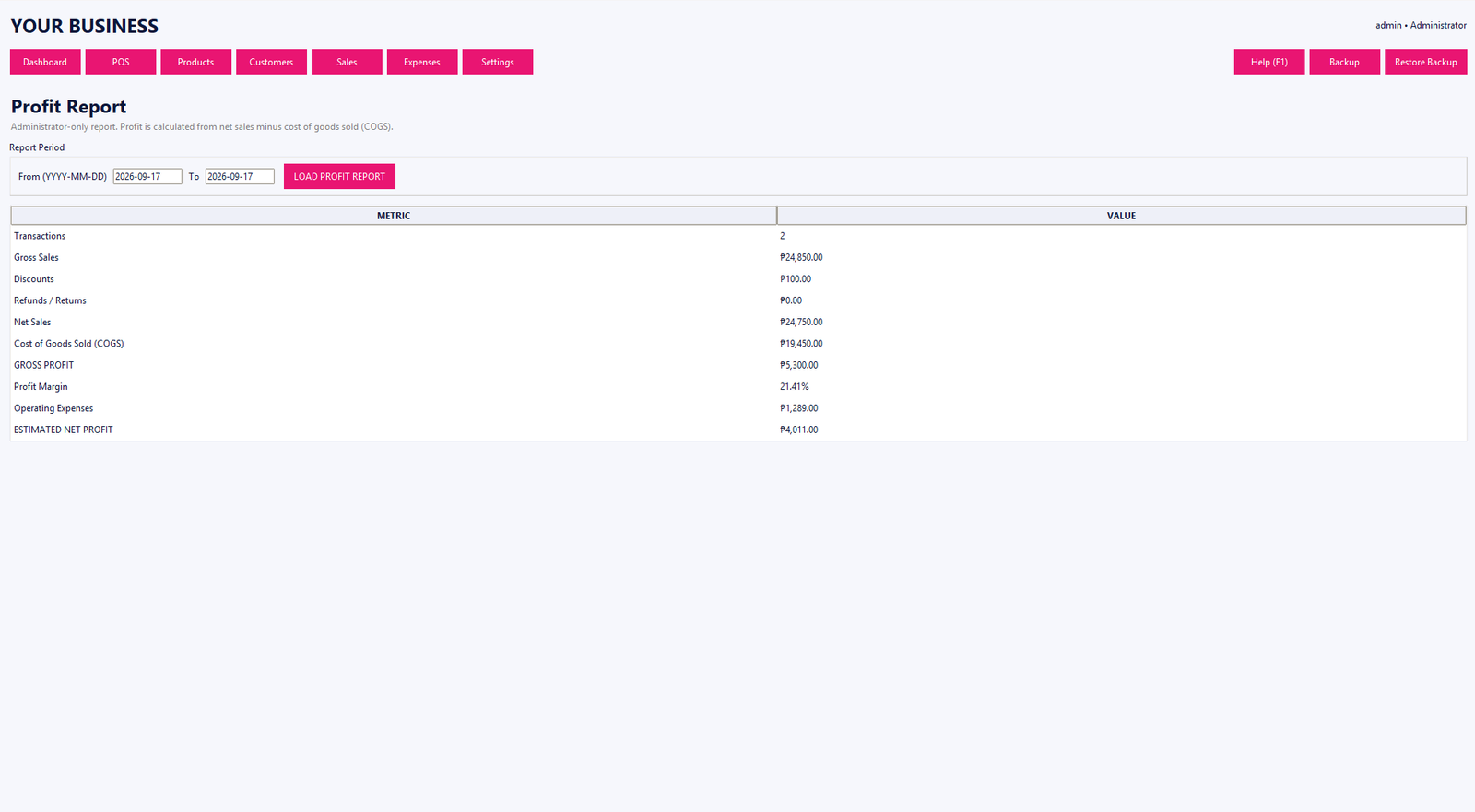
Tillora POS Basic vs Standard vs Professional
Understand the three Tillora POS editions and the types of business workflows each edition is designed to support.
Read guide →