TILLORA GUIDE
How to Choose POS Software for a Small Business
Start with the daily workflow
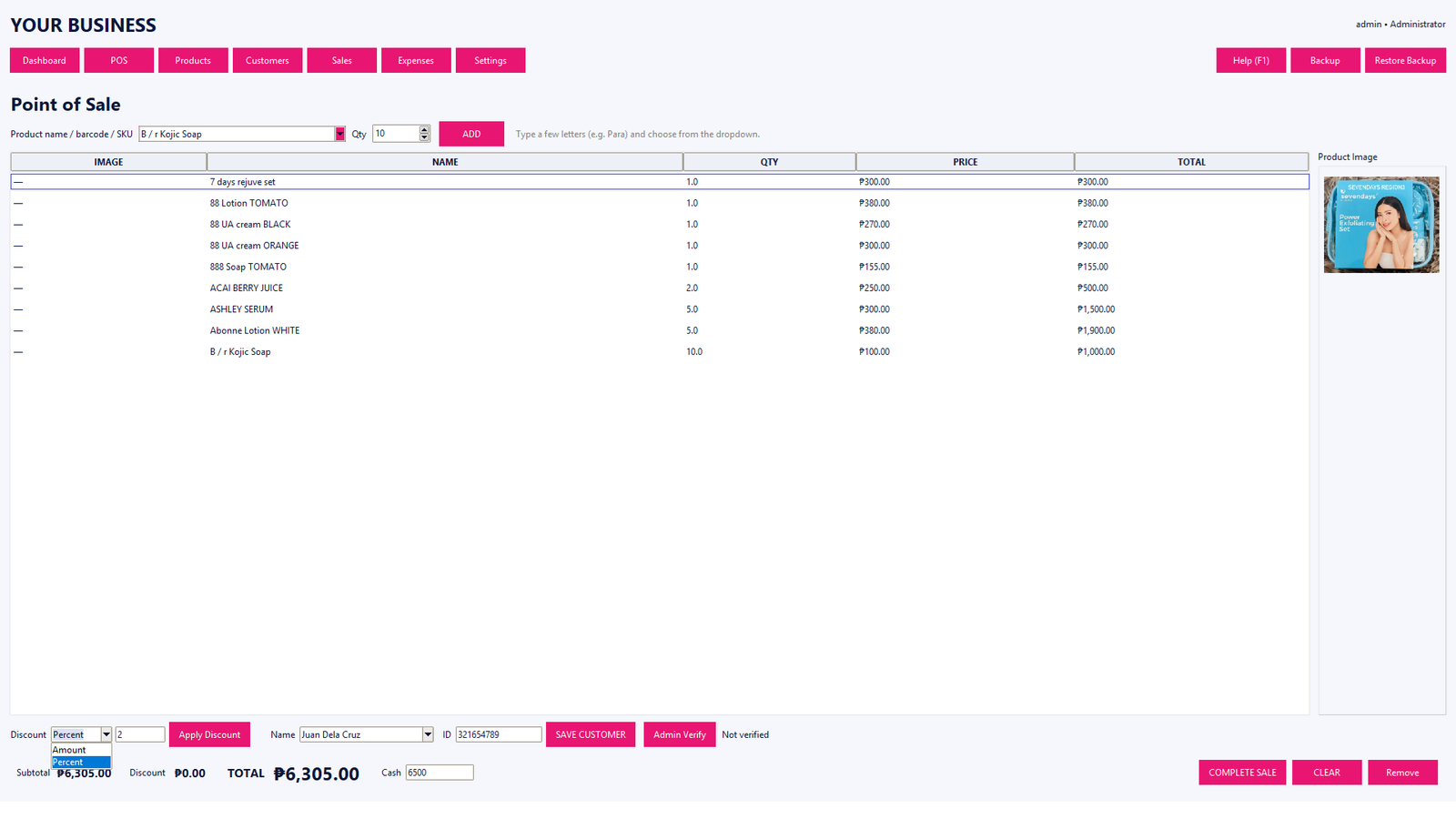
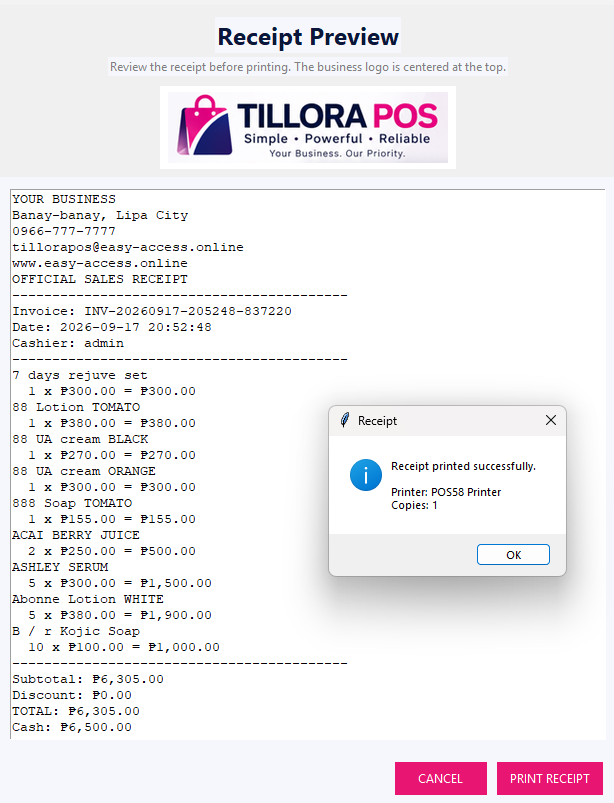
Before comparing features, write down what happens during a normal sales day. Consider product lookup, checkout, receipts, returns, stock updates, customer records and end-of-day reporting. A POS should make those tasks clear rather than adding unnecessary steps.
Check inventory requirements
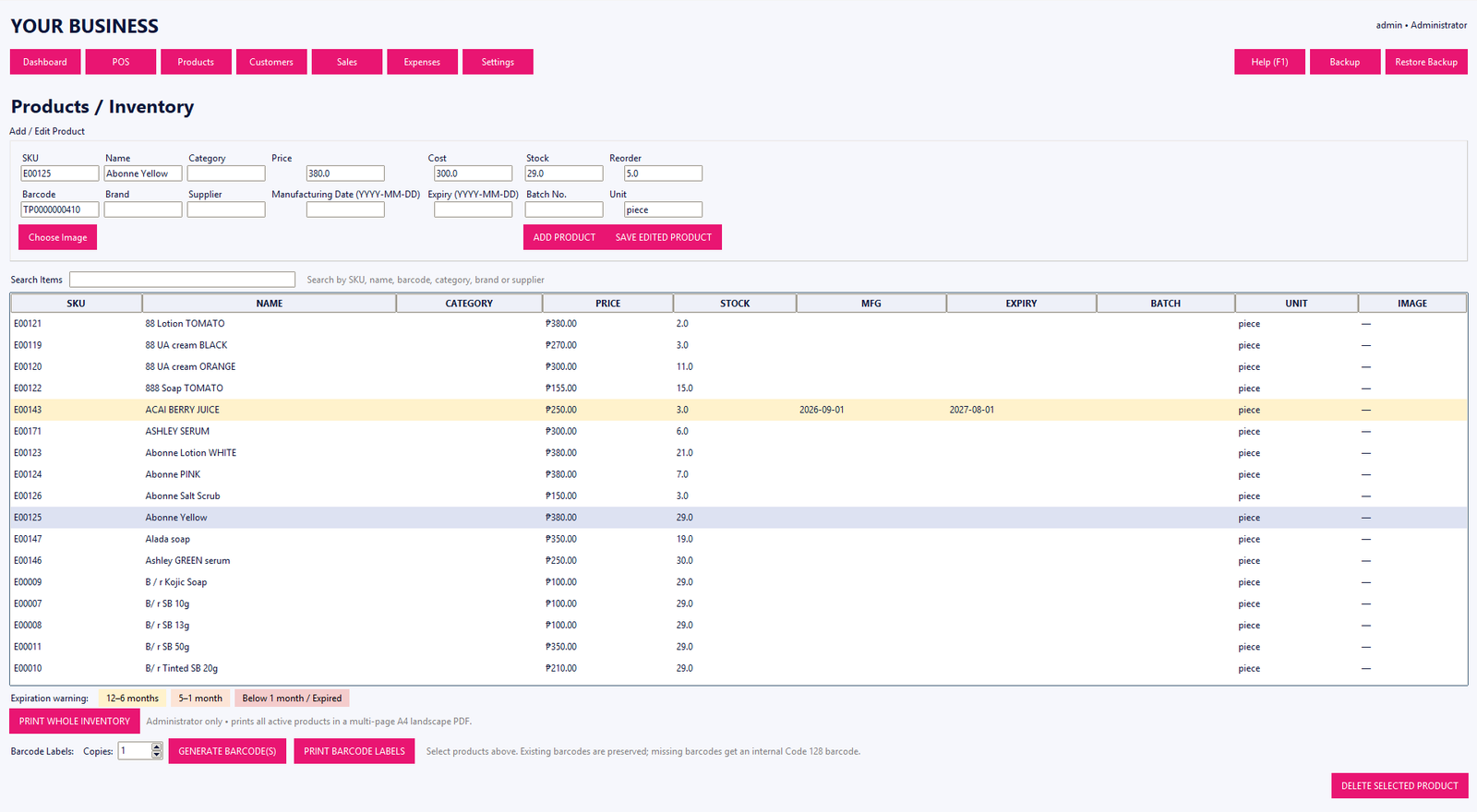
If the business carries physical products, ask whether the POS can manage product names, categories, SKUs, barcodes, costs, stock quantities and inventory movement. If suppliers are important, check whether the software includes the supplier workflow you need.
Review reporting and permissions
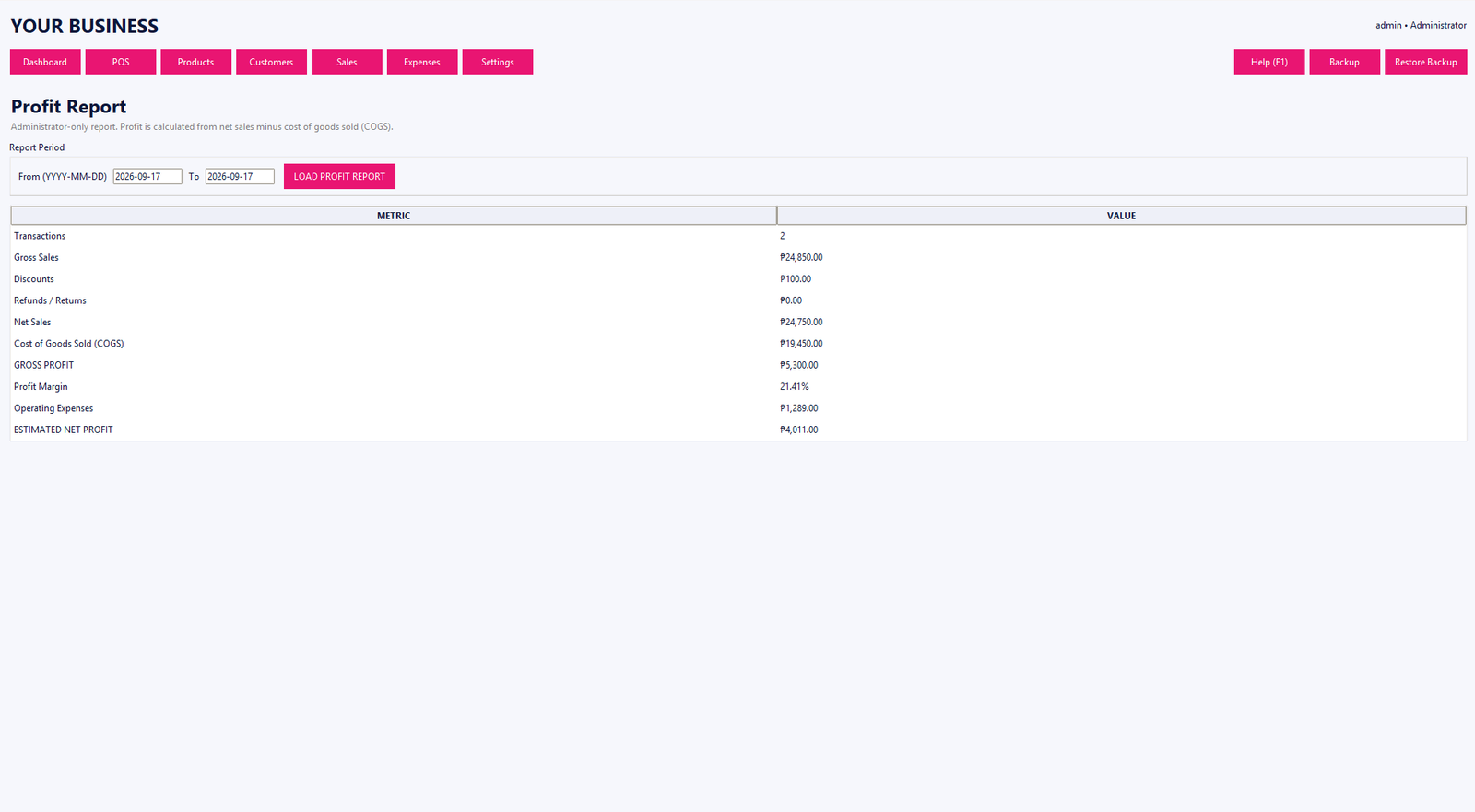
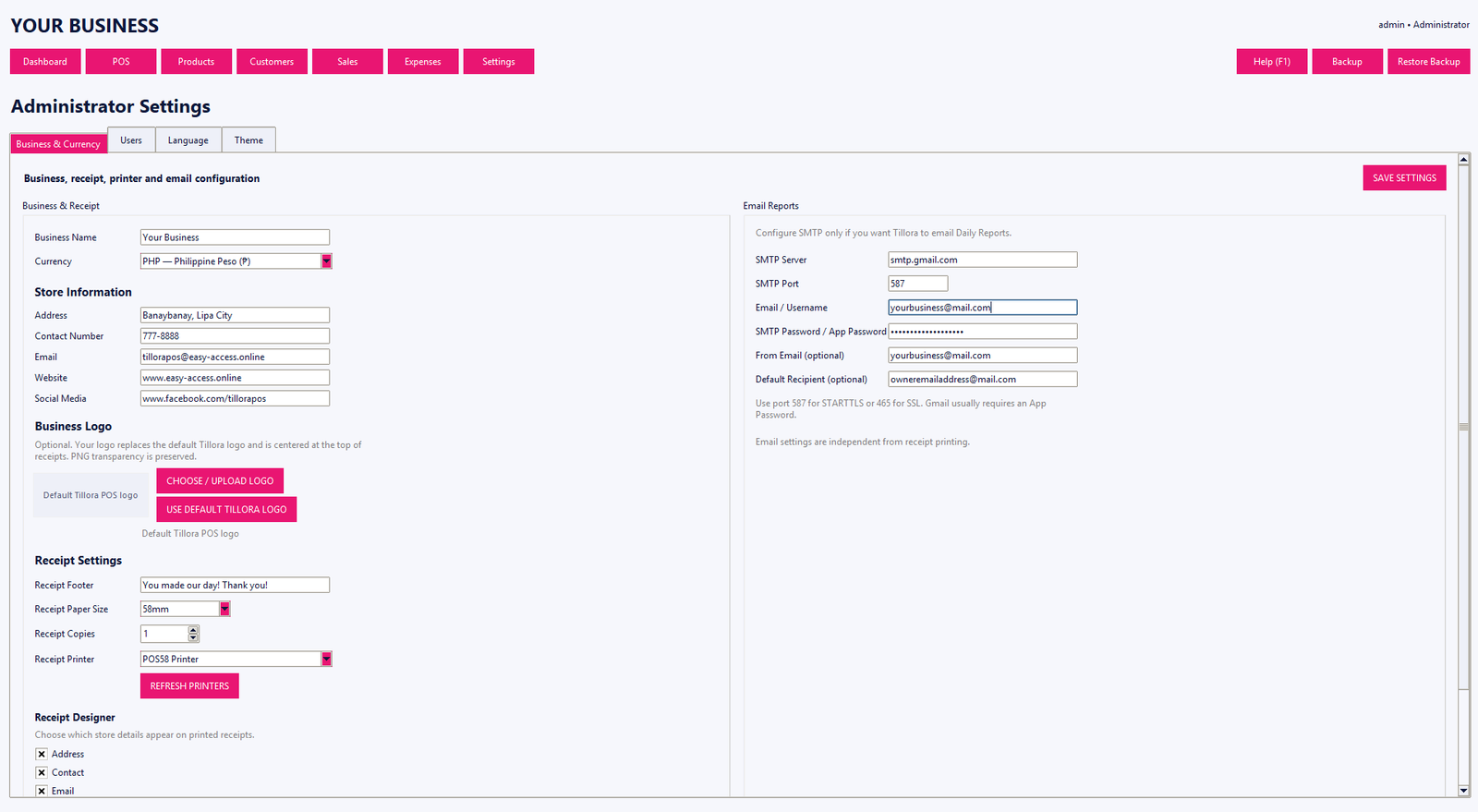
Owners often need sales history, daily reports, expense information and profit-related reports. Staff permissions also matter when different employees should have access to different functions.
Think about backup and support
Ask how business data is backed up, how restoration works, and how support handles installation or activation questions. A simple support path can be just as important as a long feature list.
Compare the total fit
Compare the workflow, features, price, hardware requirements and support process together. Tillora POS offers Basic, Standard and Professional editions so businesses can choose an edition based on the features they need.