TILLORA GUIDE
POS and Inventory Management: How They Work Together
Why connect sales and inventory?
Inventory management becomes easier when sales and product records are part of the same workflow. Instead of maintaining separate lists, a business can use the POS transaction history as one source of information about what was sold.
The basic workflow
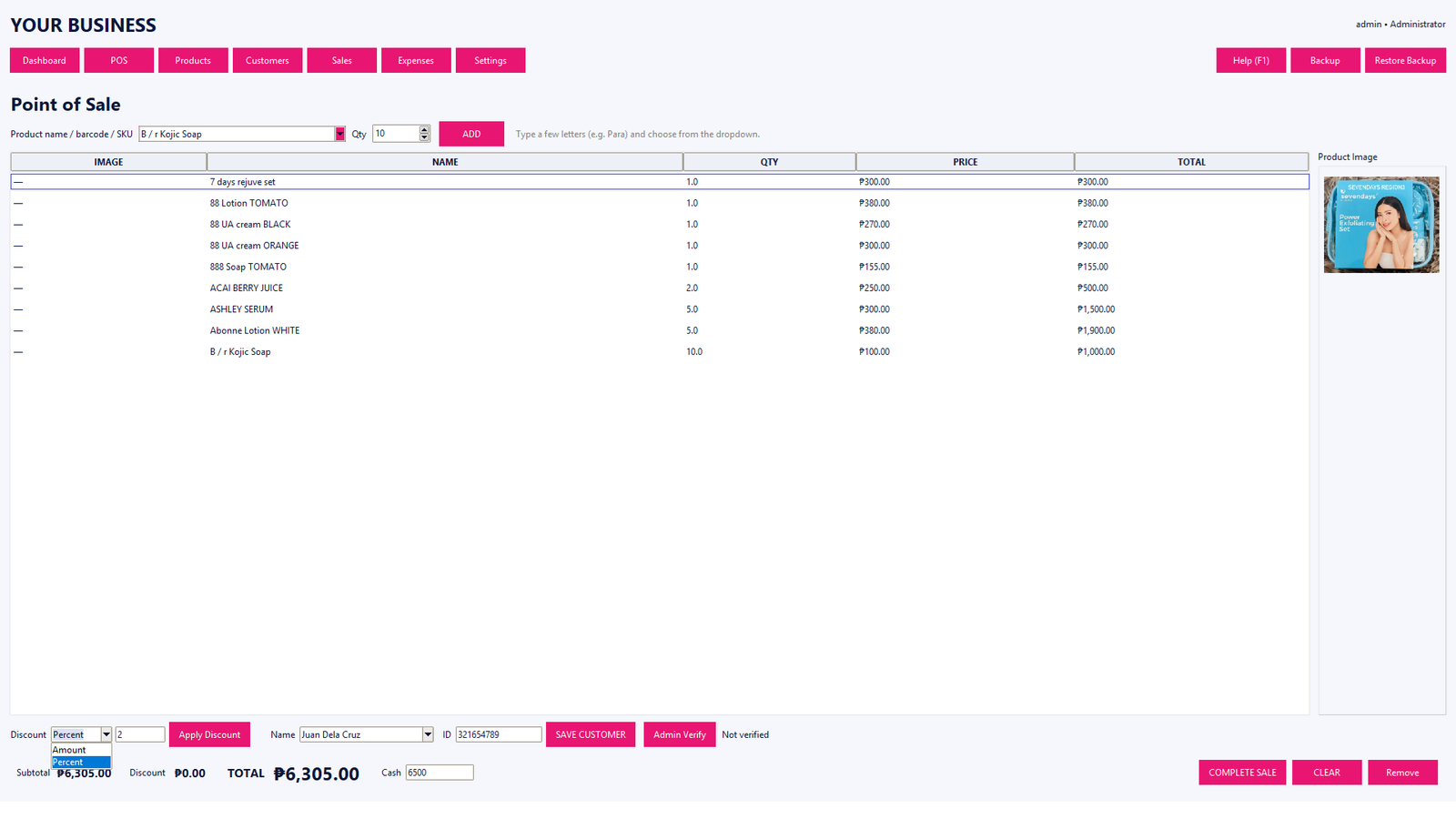
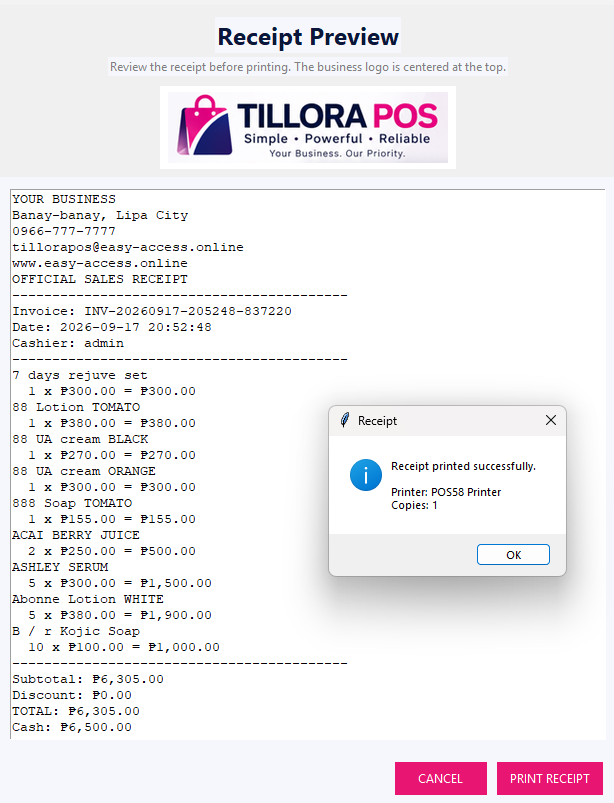
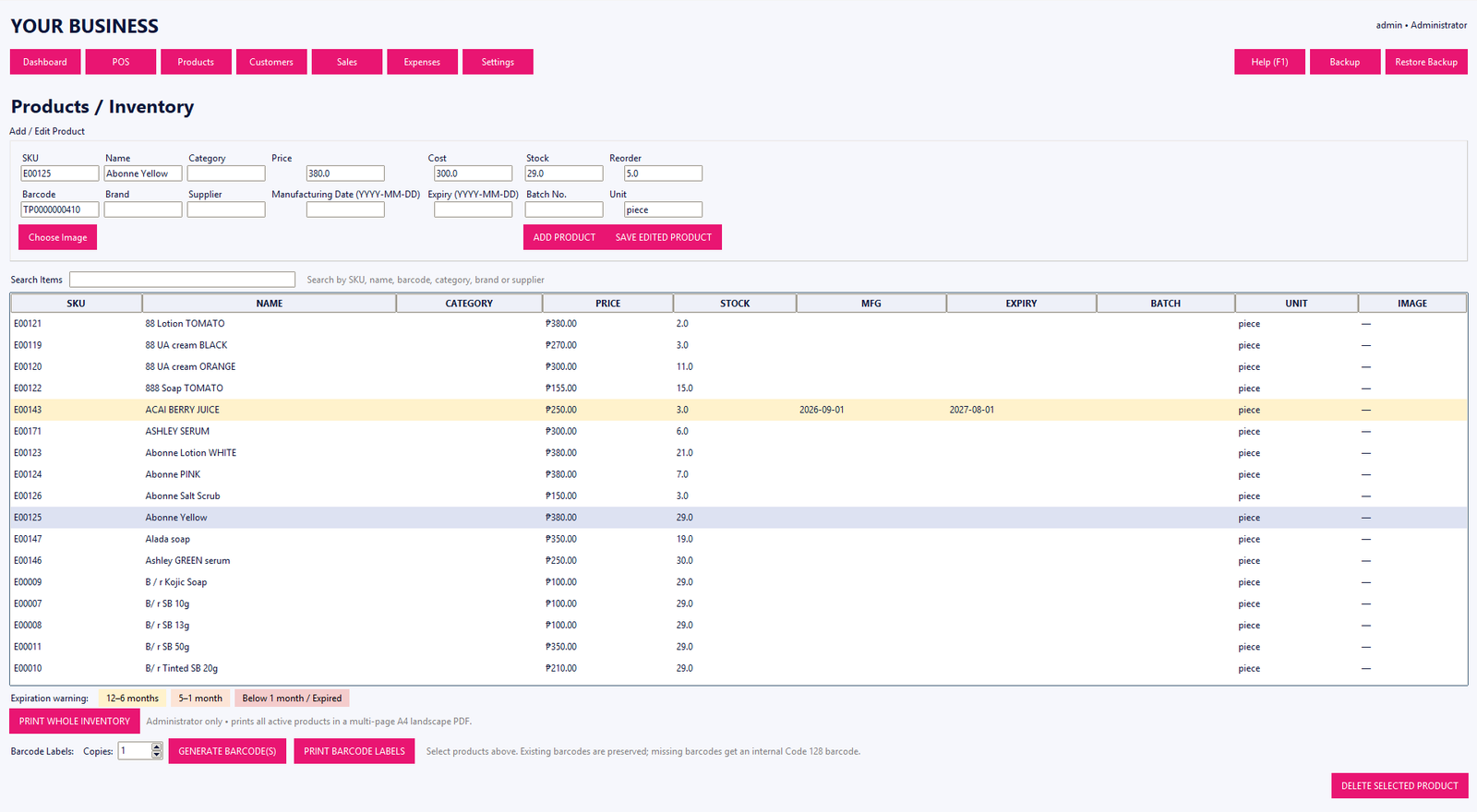
First, products are entered with information such as name, SKU, barcode, selling price, cost and stock quantity. During checkout, the cashier selects or scans the product. After the sale is completed, the transaction is recorded and the inventory workflow can reflect the quantity sold.
Useful inventory information
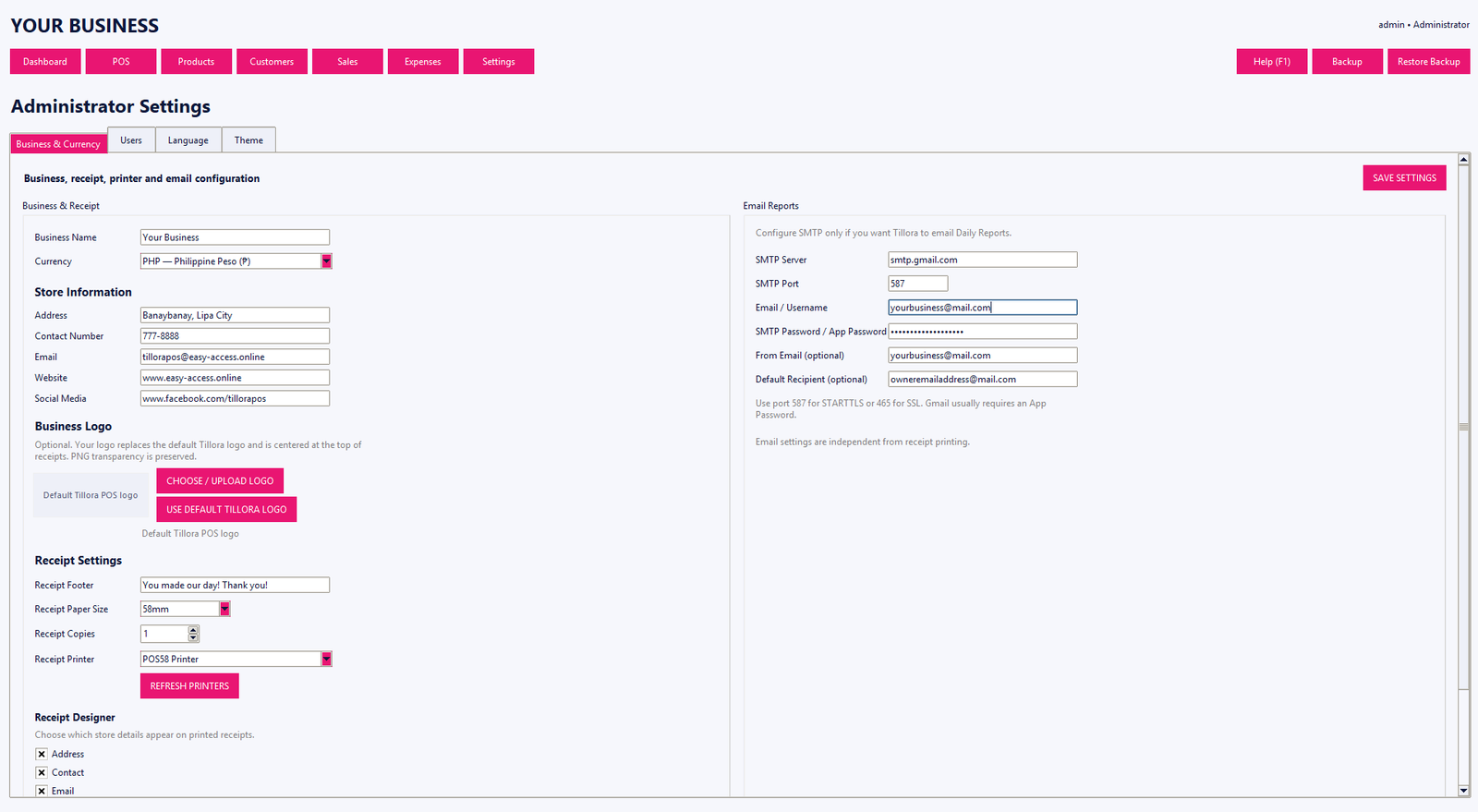
Businesses may need to track categories, reorder levels, stock movement, costs and supplier information. The right fields depend on the type of business, but organized product records make reporting and daily work easier.
Reports make the data useful
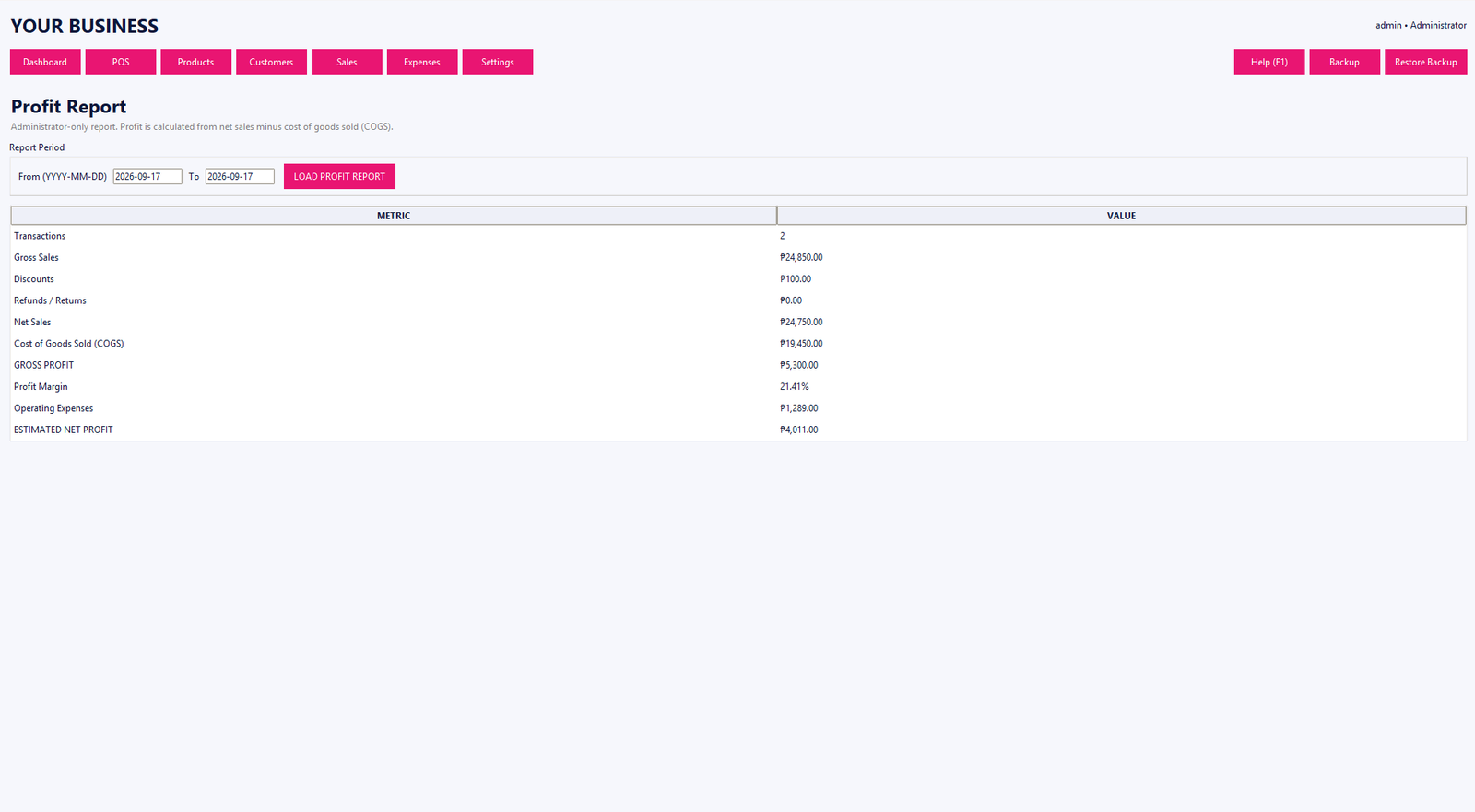
Inventory records become more valuable when they can be reviewed alongside sales history, expenses and business reports. This helps owners understand what is moving through the store and which products need attention.
Tillora POS combines product management, barcode and SKU support, sales history, inventory controls and business reporting in one Windows application.