TILLORA GUIDE
What Is a POS System? A Practical Guide for Small Businesses
What does POS mean?
A point-of-sale (POS) system is the software and hardware a business uses to record sales and manage the checkout process. Modern POS software can do much more than calculate a total. It can connect sales with products, inventory, customers, receipts and reports so a business has a consistent record of what happened during the day.
What can a small business use a POS for?
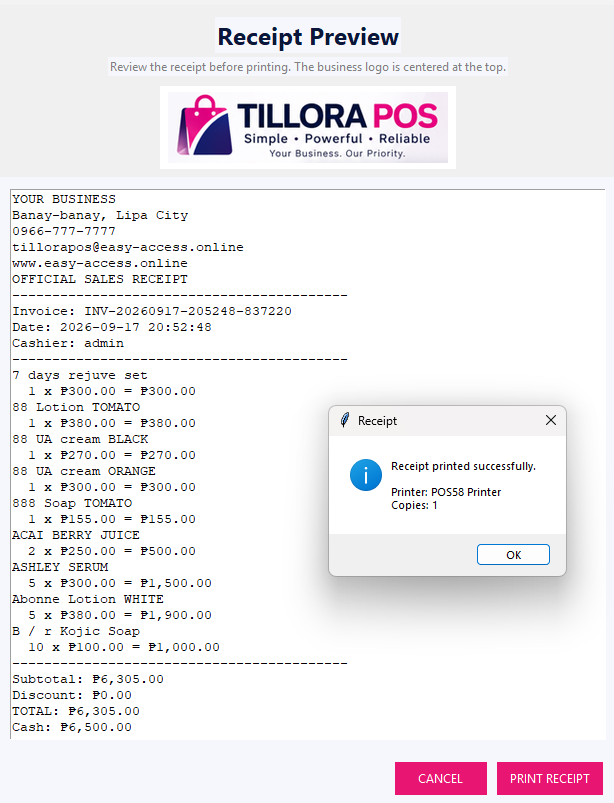
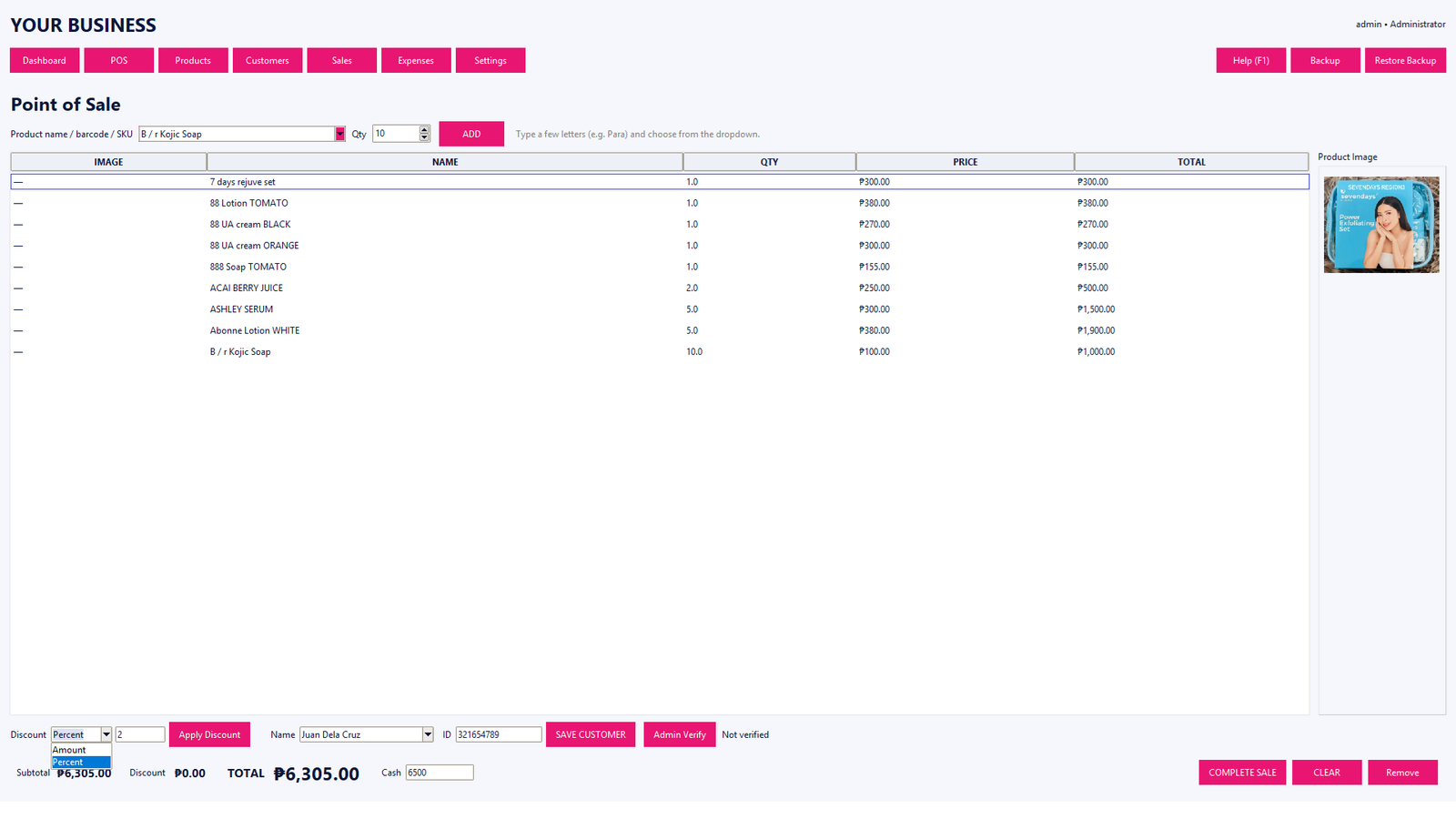
A typical POS workflow includes searching for a product, adding items to a sale, applying an allowed discount, accepting payment and recording the completed transaction. Depending on the system, it can also update stock, print receipts and make the transaction available in sales history and reports.
Why inventory matters
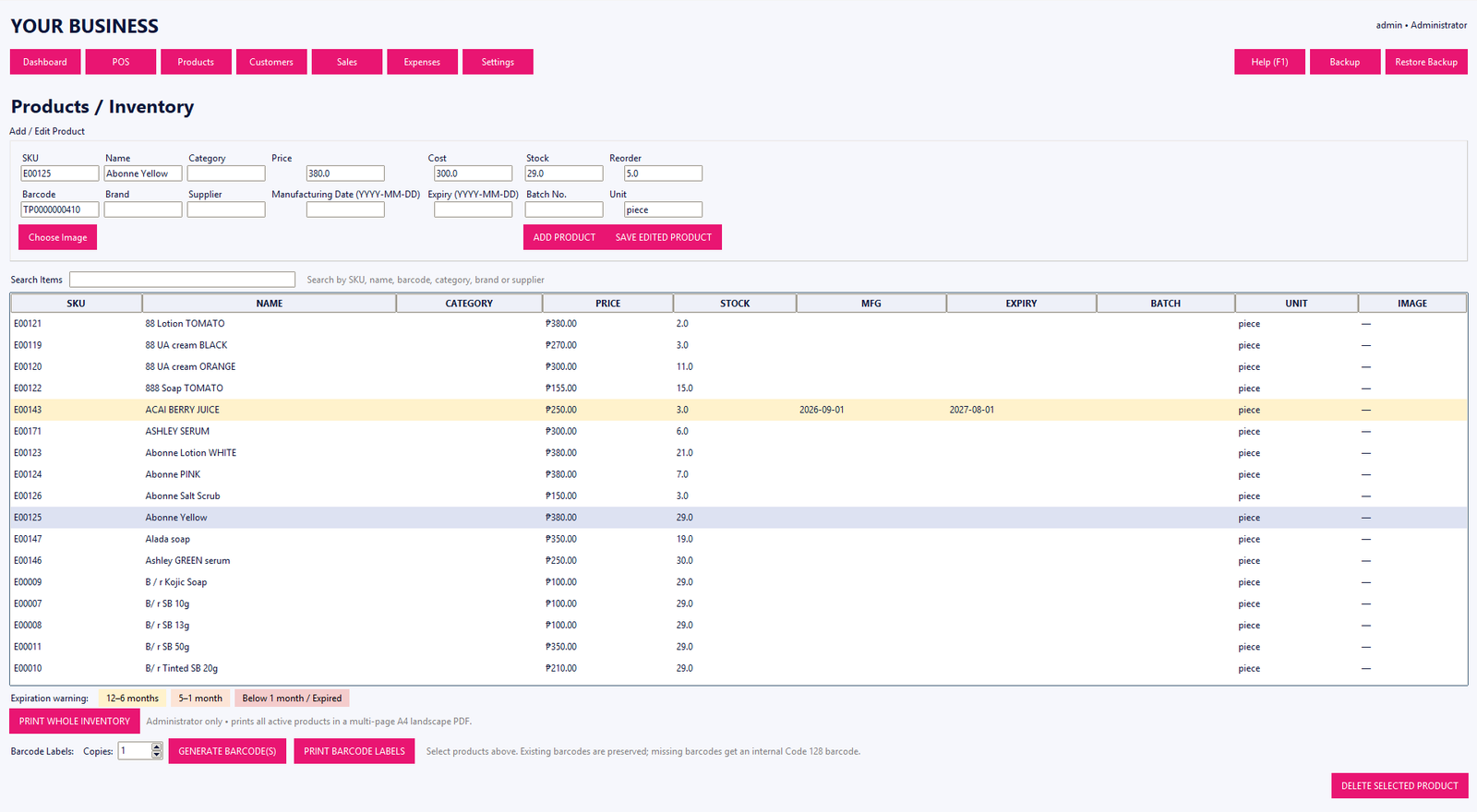
When a POS is connected to inventory records, each completed sale can become part of the stock-control workflow. This makes it easier to review quantities, identify low-stock products and keep product information organized.
What to look for
- Fast product and barcode search
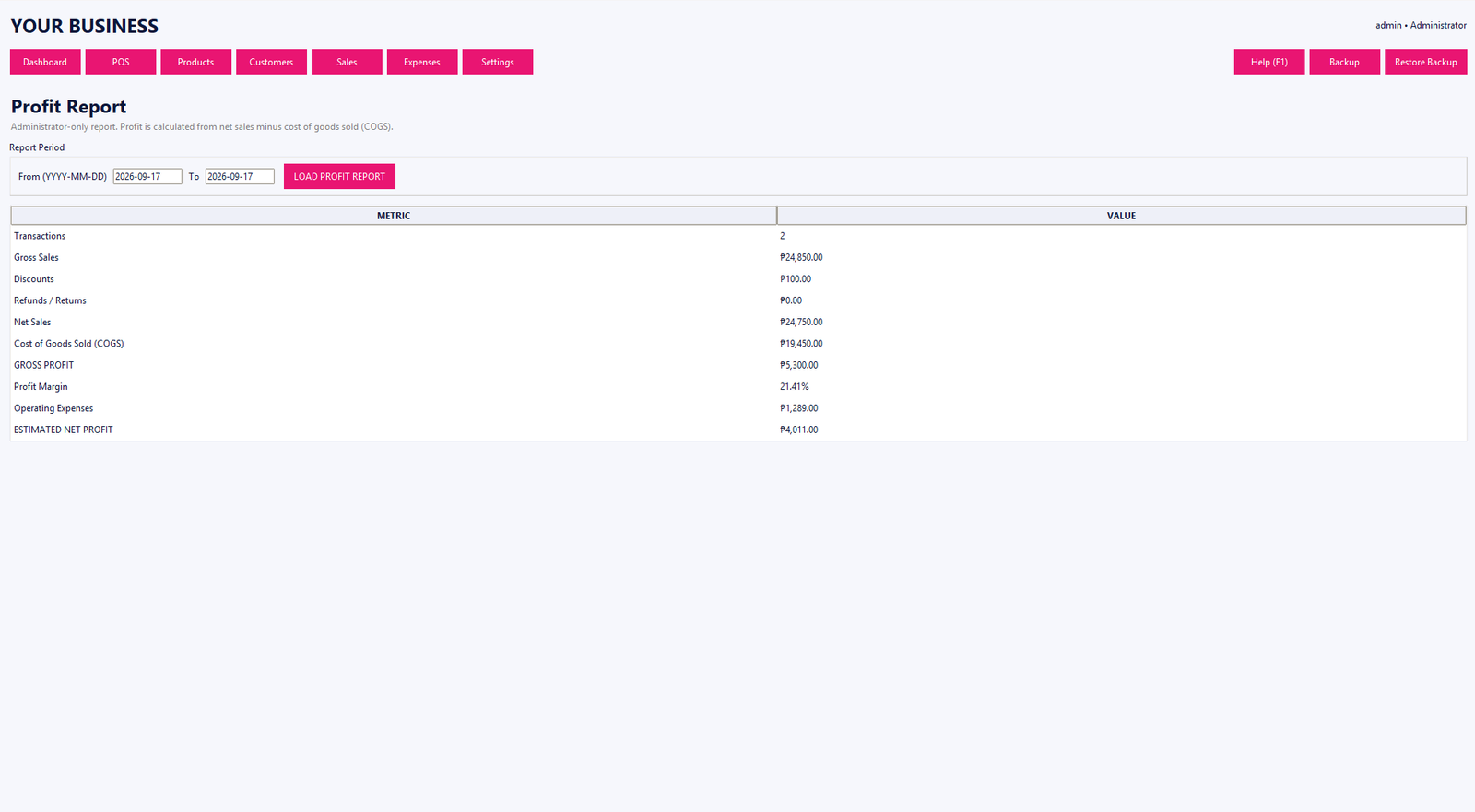
- Clear sales history and reporting
- Product, SKU and inventory management
- Customer records where needed
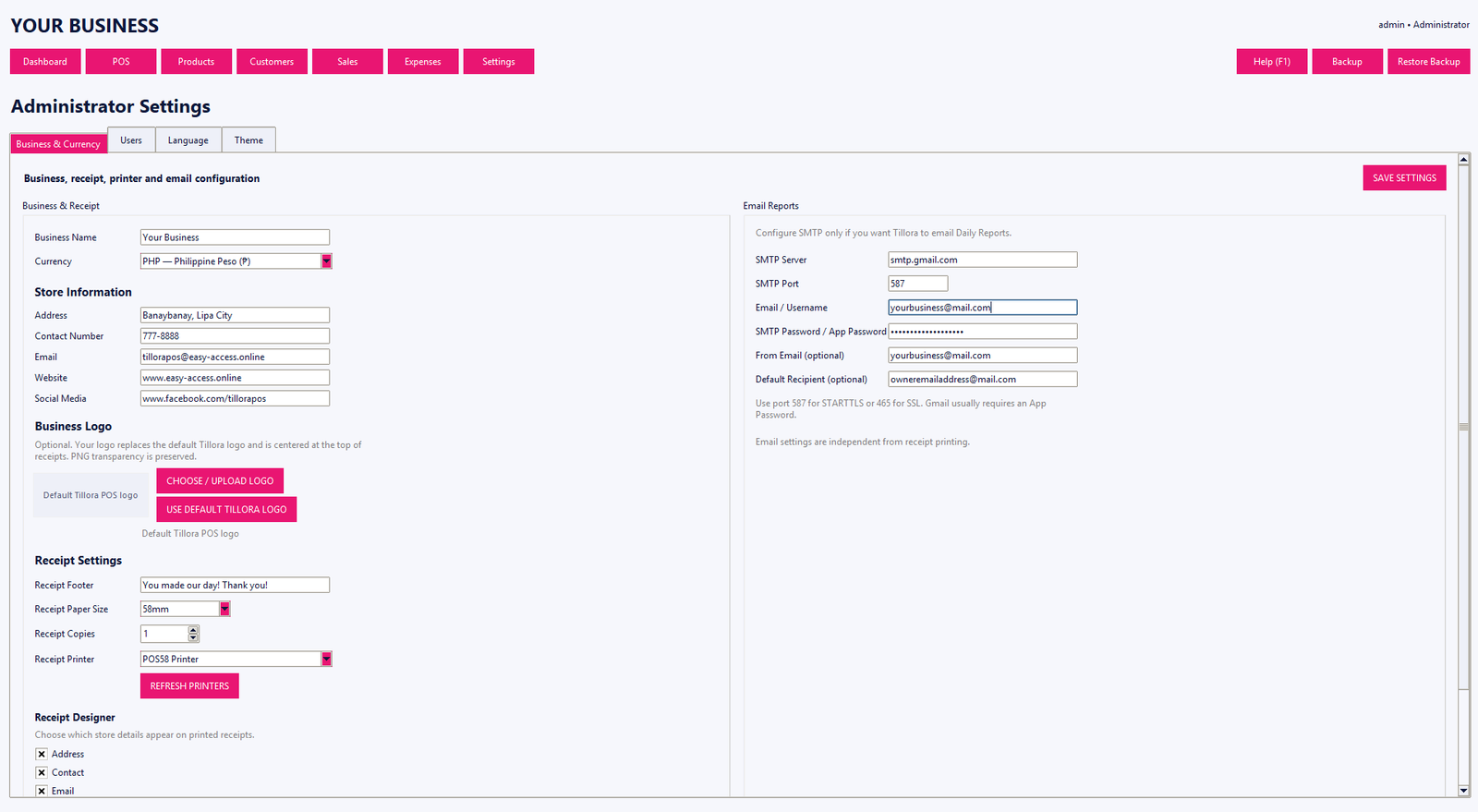
- Role-based access for staff
- Backup and restore tools
- Receipts and practical day-to-day workflows
Tillora POS is a Windows desktop POS and inventory system designed around these practical workflows for small and growing businesses. Learn more about Tillora POS.
Want to understand how stock control connects with checkout? Read our POS and inventory management guide. For businesses using product codes at checkout, our barcode POS guide explains how barcode and SKU lookup work.
If you want to explore the software before choosing an edition, start the Tillora POS free trial.